Everything a knowledge system needs, in one place.
Search, capture, govern and connect, without stitching five tools together. Here is what is inside.
Instant search
Plain-language questions, short answers, exact sources.
Spaces and folders
A home for every team and project.
Review and approval
A person checks every change before it goes live.
Version history and freshness
See what changed, and which pages are going stale.
Role-based access
Permissions follow your organisation’s roles.
AI tool access
Claude, Codex, Cursor and more, with scoped keys.
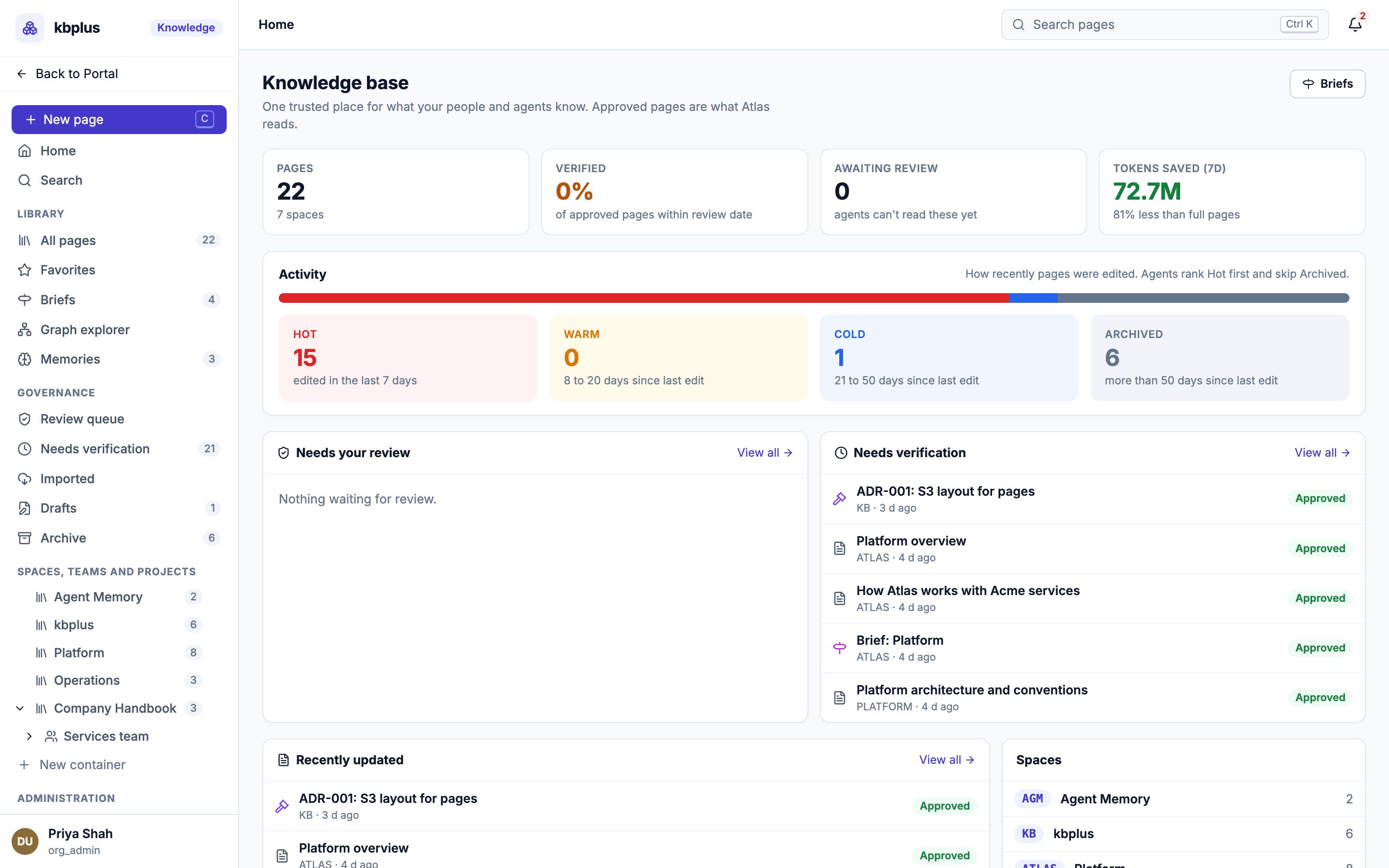
Ask in plain words. Get the source.
Type a question the way you would ask a colleague. nestedbrain returns the best matching pages as short summaries and links straight to the section that answers it.
- One search across every space you have access to
- Short summary first, full page only when you need it
- Approved, draft and restricted pages clearly marked
- Results respect your access
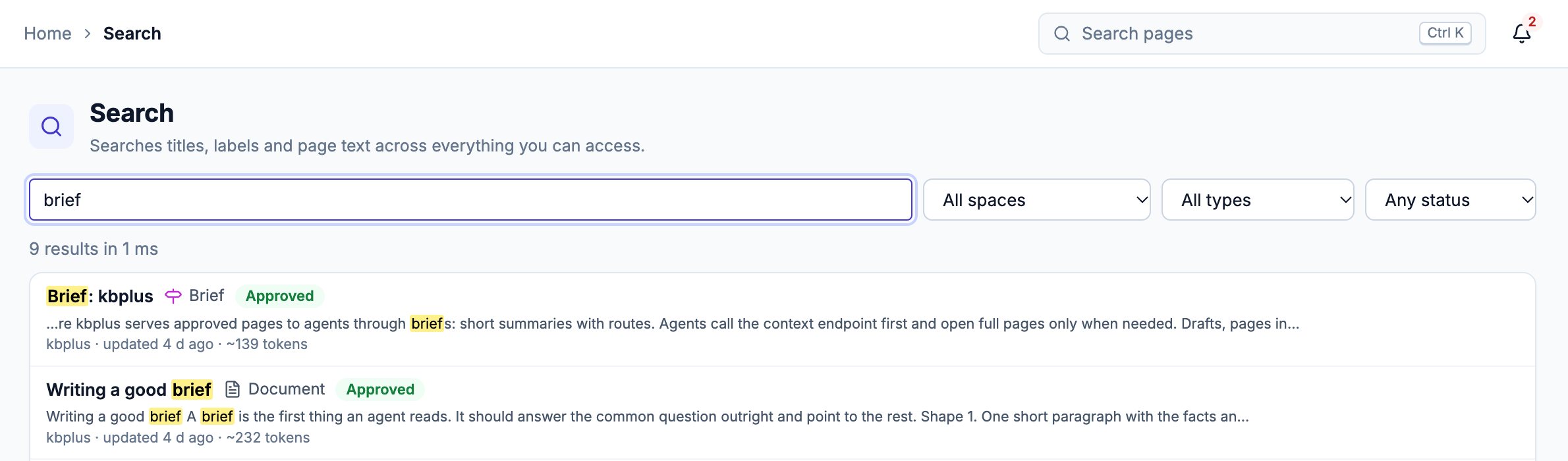
Every page says what it is and whether to trust it.
Pages open with a short summary, show their owner, status, freshness and version, and let you jump to any heading.
- On-page navigation to every heading
- Owner, version and last-edited date
- Share links, favourites and child pages
- Comments and a “seen by” list
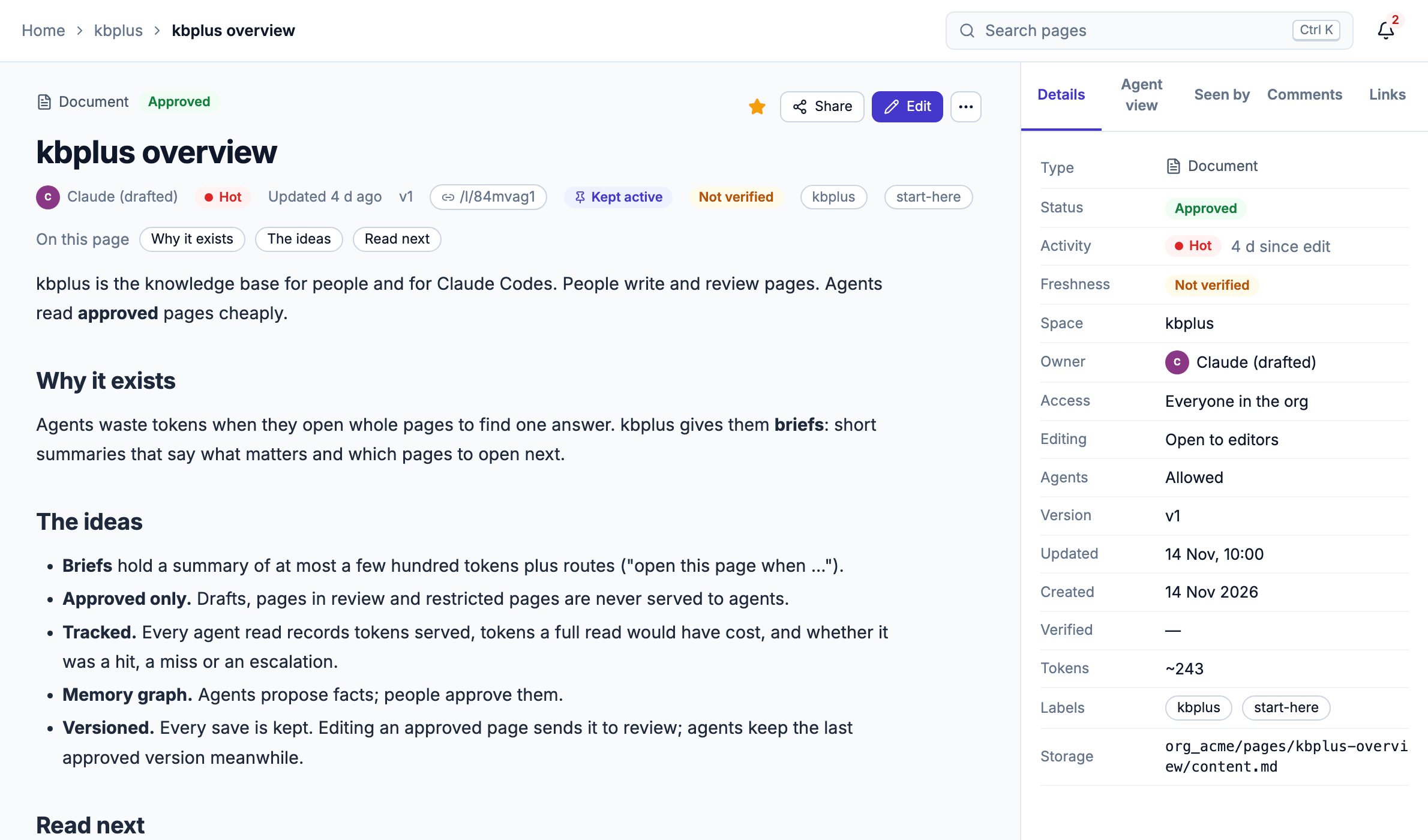
Changes are checked before they count.
Anyone can suggest an edit. A person with approval rights reviews it, and only then does it replace the live page. The old version is kept.
- Readers always see the last approved version
- Reviewers see exactly what changed
- Sensitive pages always wait for a person
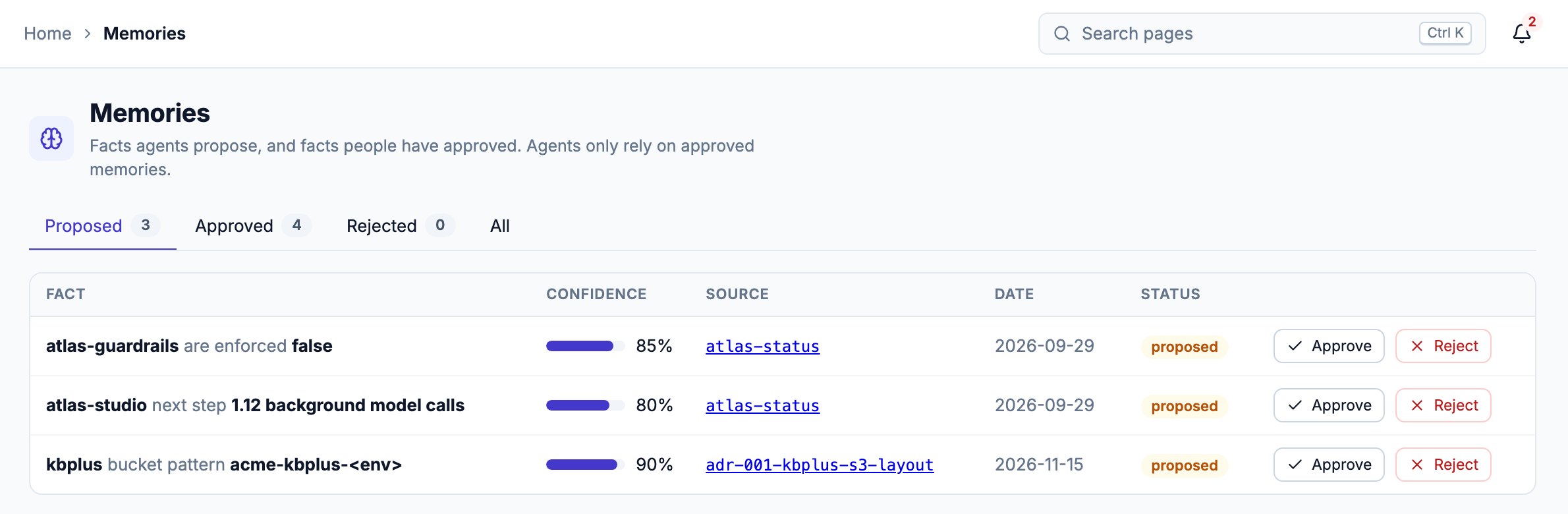
Know what’s current, and what’s going stale.
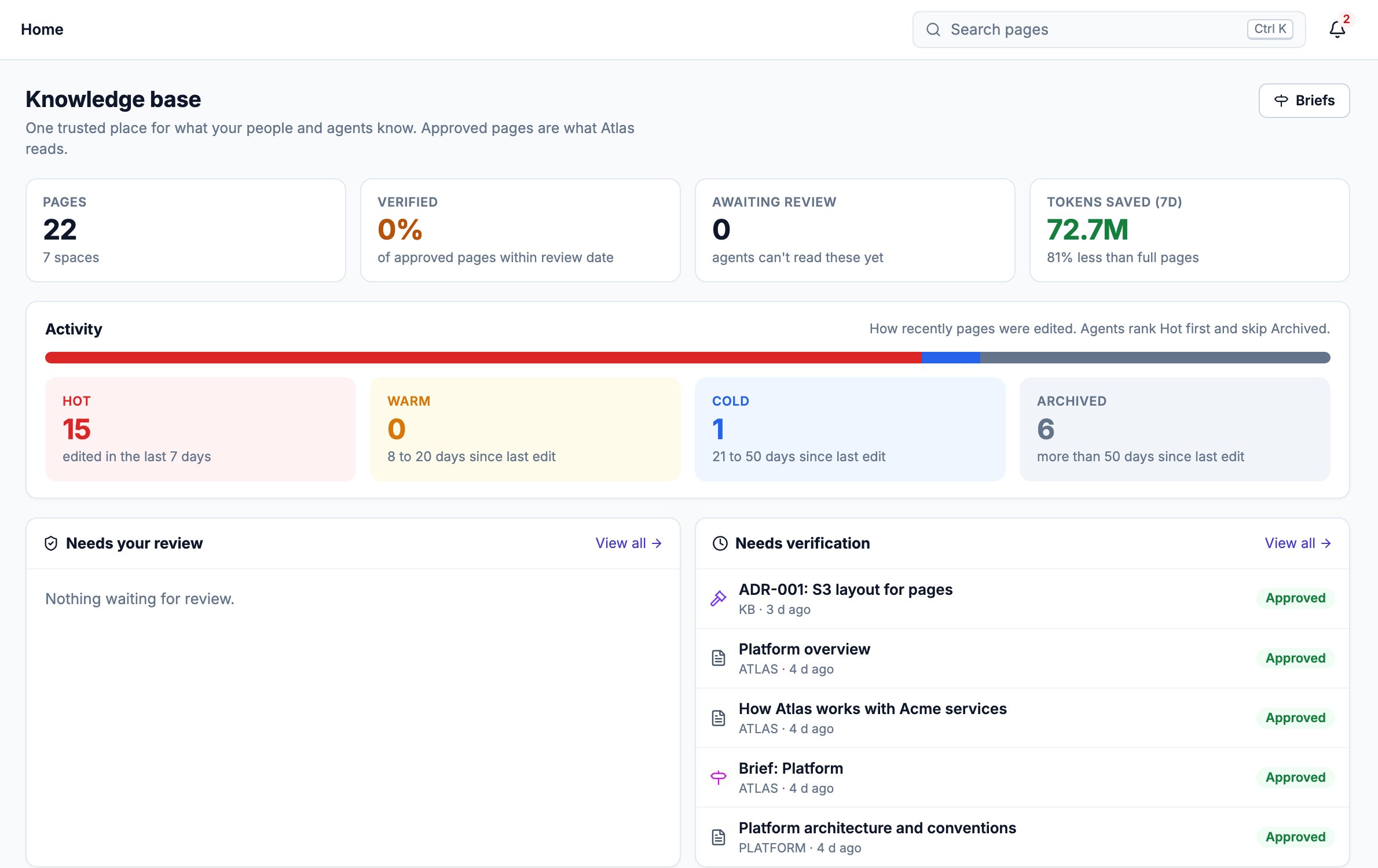
Every page shows how recently it was touched. Pages move from Hot to Warm to Cold and then Archived as they age, so out-of-date guides stop looking like live ones. The cut-offs are set by your organisation’s policy.
- Hot, Warm, Cold and Archived at a glance
- Full version history of who changed what
- Pin pages you always want kept live
- Archive automatically if your policy says so
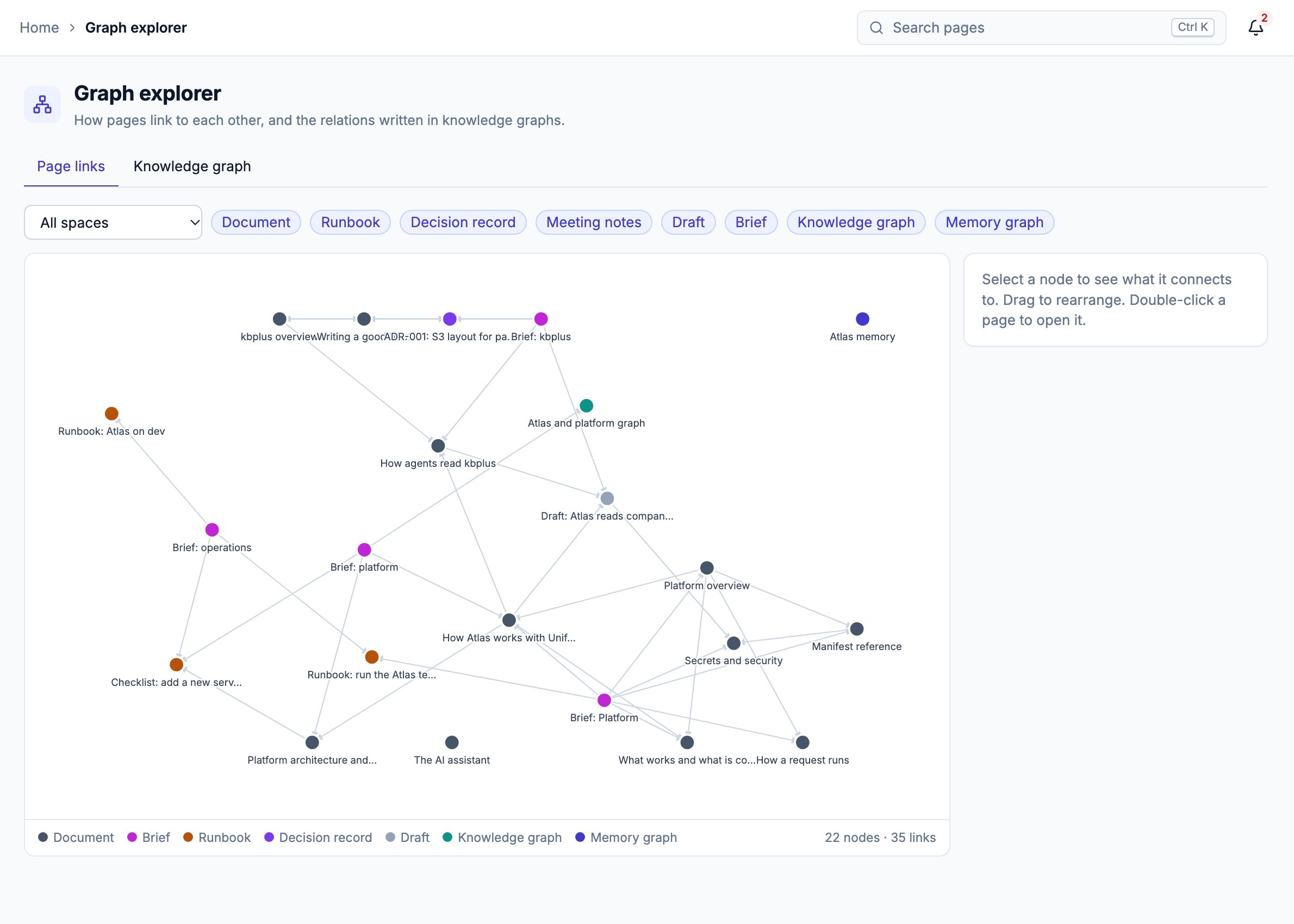
See how knowledge connects.
Pages link to each other, and knowledge graphs record the relations between things. The graph explorer shows them, so you can see what depends on what.
- Filter by space and by type of page
- Select a node to see what it connects to
- Double-click to open the page
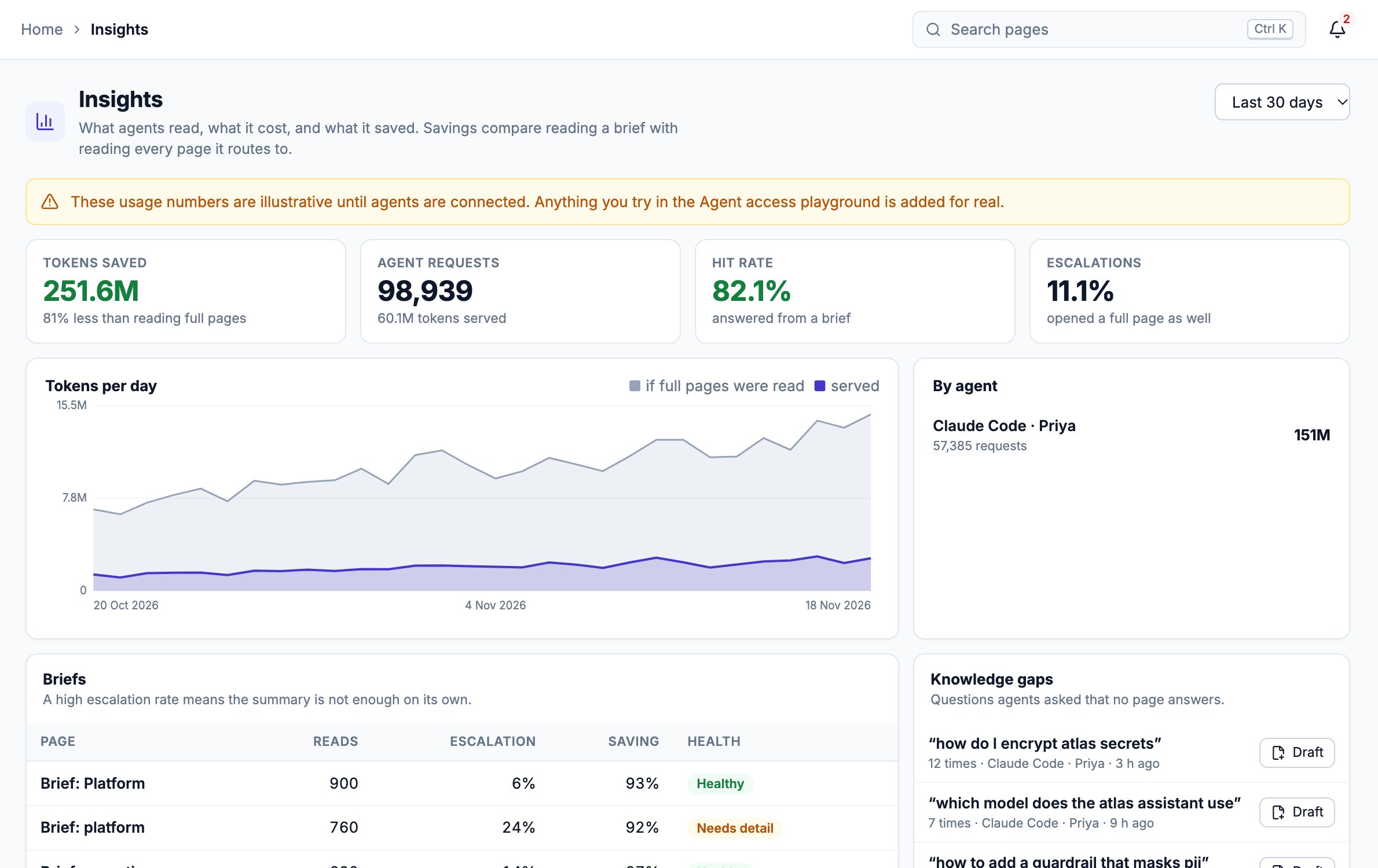
When nobody can find it, someone writes it.
Insights show what gets read and what saves time. Knowledge gaps list the questions people asked that no page answers, so you can write the right page next.
- See which pages are used most
- Spot questions with no answer
- Start a draft from a gap in one click
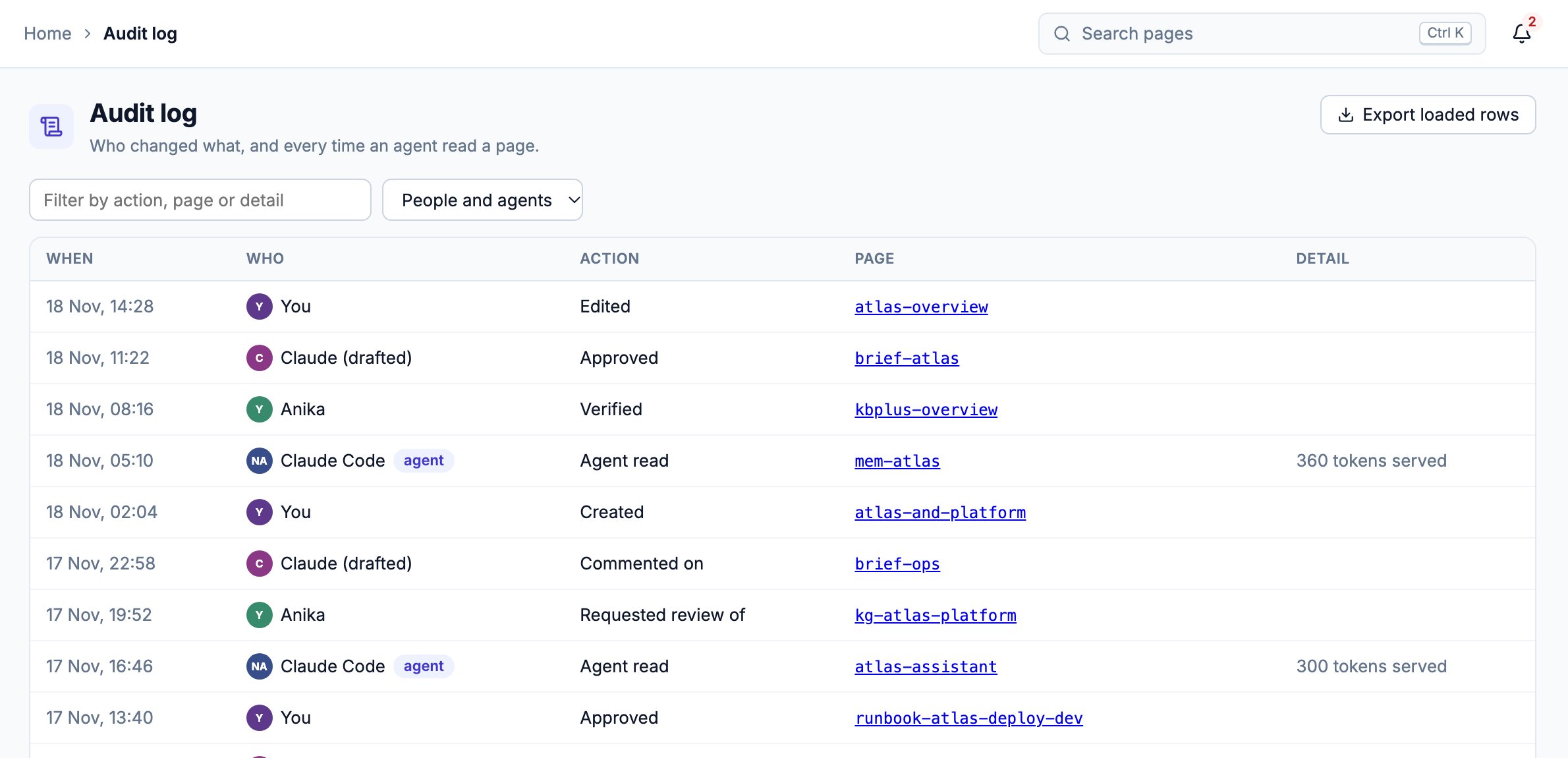
Always able to answer, “who changed this?”
Every edit, approval, verification and read is recorded, and you can export it for reviews.
- Who did what, to which page, and when
- Reads by AI tools shown alongside people
- Filter by action, page or detail
- Export for audits
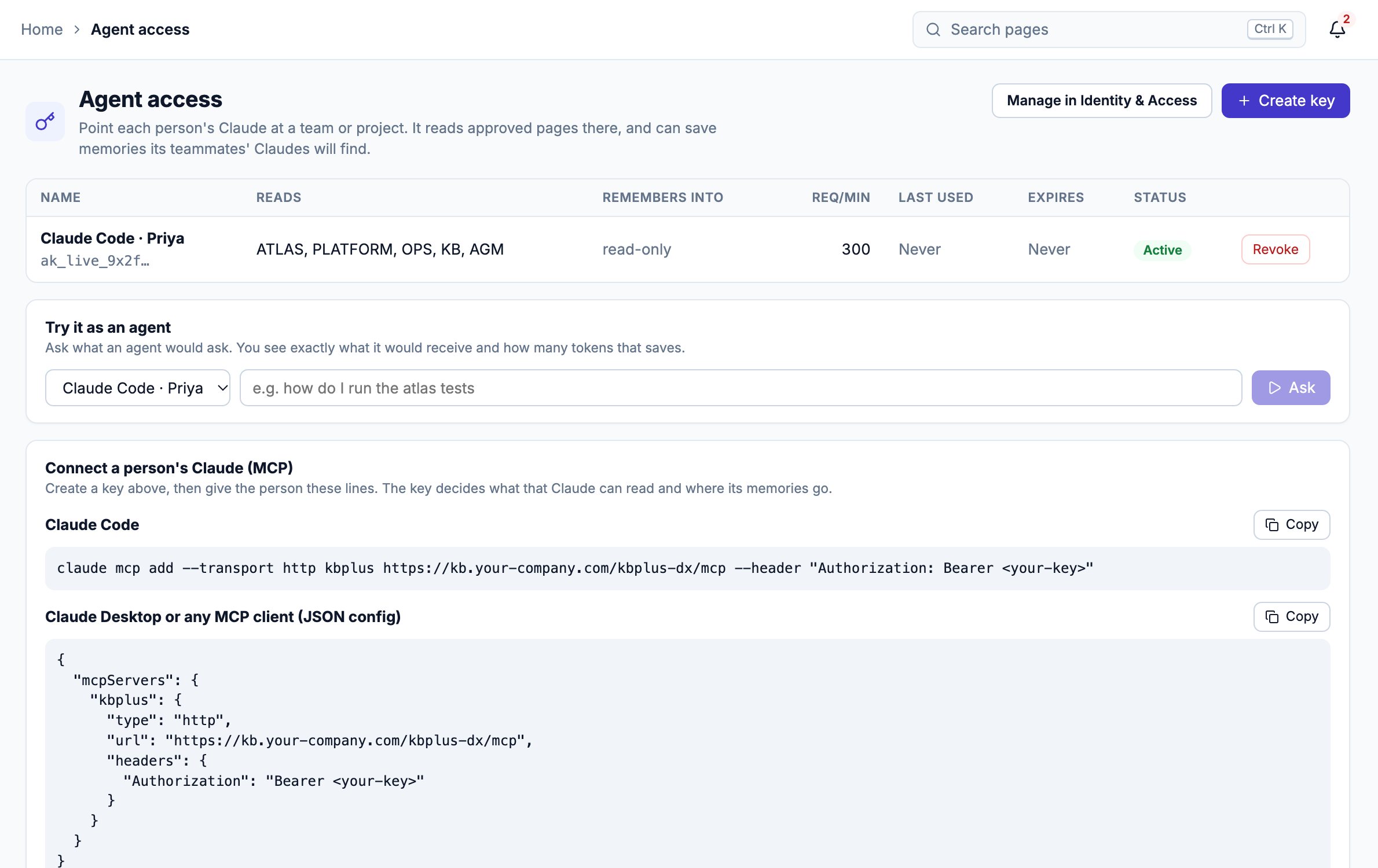
Your AI tools use the same source of truth.
Create a key for each person and tool, choose what it can read, and copy the connection snippet. Tools look things up before guessing, and can save what they learn.
- A separate key per person and tool
- Read approved pages only
- Optional write access that always goes through review
- Try a question as an agent before you connect
Connects to the tools you already run.
Bring knowledge in from where it lives today.
Jira
Link pages to the issues that explain why something exists.
Confluence
Move existing documentation across instead of rewriting it.
SharePoint, Google Drive and Snowflake
Bring in documents from SharePoint, OneDrive and Google Drive, and build a data dictionary from Snowflake table descriptions.
GitHub
AI tools can look up code and issues in the repositories you allow, read-only.
See it with your own knowledge.
Sign in, create a space and add your first page.